

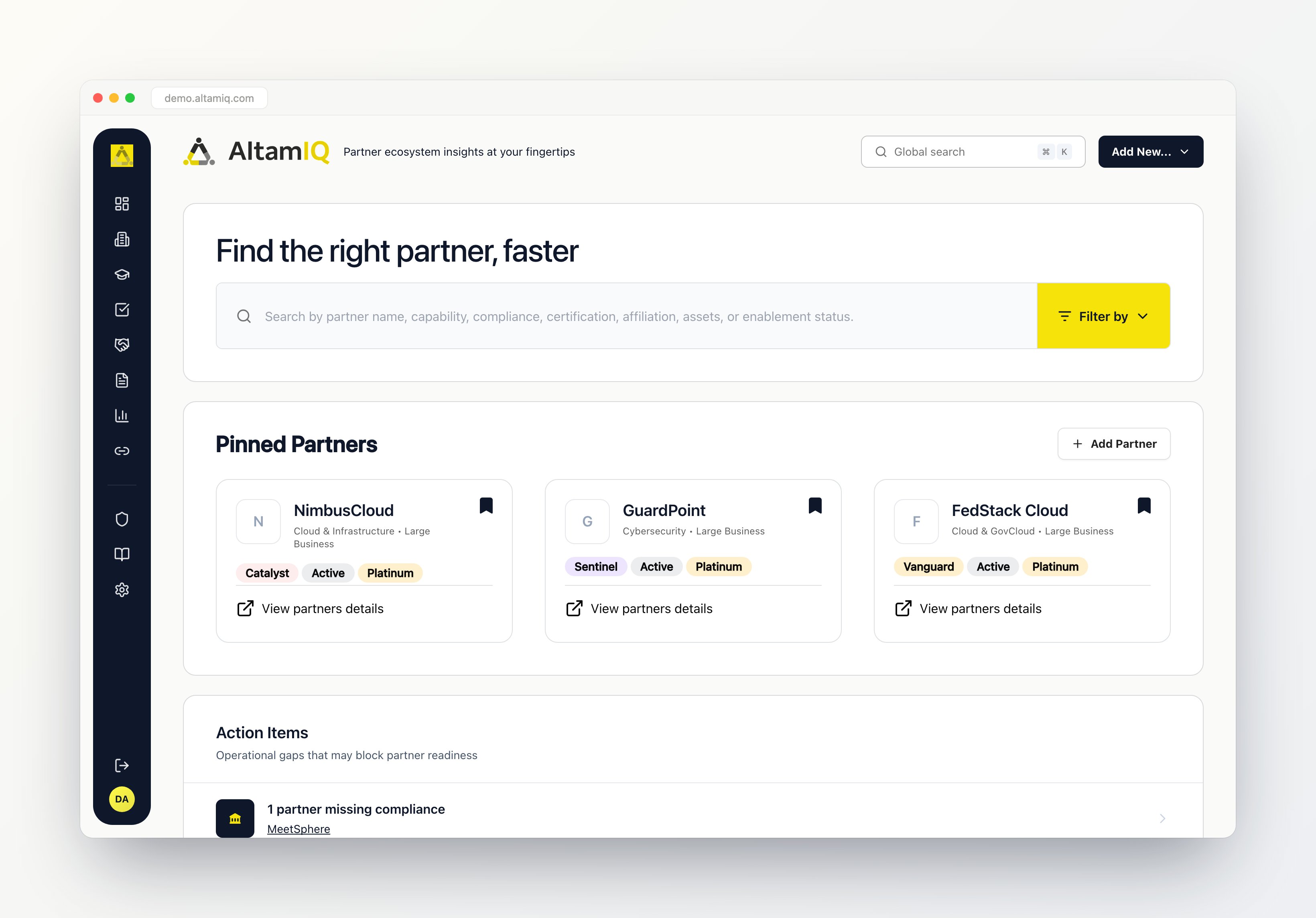
The AltamIQ dashboard
What you can do with AltamIQ
Here’s a quick tour of the main areas of AltamIQ and what each one is for.Dashboard
Your home screen: key numbers, partner charts, and compliance metrics at a glance.
Partner Directory
Browse and manage every partner, organize them by tier, and open a full Partner Profile.
Deal Registration
Track deals through your pipeline and keep every stage up to date.
Tasks & Alerts
Stay on top of to-dos with priorities and statuses so nothing slips.
Enablement
Follow how your people and partners are progressing through training and certifications.
Certifications
See who holds which certifications and keep credentials current.
Compliance
Watch compliance status and risk so your program stays healthy.
Marketing Assets
Keep your logos, decks, and marketing materials in one shared library.
Knowledge Base
Publish and browse help articles and guidance for your team and partners.
Analytics
Explore charts and dashboards that turn your data into insight.
Affiliates
Manage your affiliate programs and the partners who drive them.
Product Strategy
Capture and share the plans and priorities behind your products.
Settings
Configure the app and manage the reference data everything else builds on.
HubSpot Integration
See partners that flow in automatically from HubSpot, kept in sync for you.
Partners can arrive in two ways: you can add them yourself in the Partner Directory, or they can come in automatically from HubSpot. That means your directory can stay up to date without extra typing.
Who uses AltamIQ
AltamIQ works for everyone on your team, and what each person can do depends on their role.Admin
Full access to everything, including users, settings, and integrations.
Manager
Can create and edit your day-to-day business data: partners, deals, tasks, and more. Deleting records and managing users, settings, and integrations stay with Admins.
Viewer
Read-only access, perfect for people who need to see what’s happening without making changes.
What’s in this guide
This help center walks you through AltamIQ step by step:- Getting Started: sign in, find your way around, and get comfortable with the layout.
- Using AltamIQ features: a closer look at each area, from managing partners and deals to certifications, compliance, assets, analytics, and more.
- HubSpot integration: how partners flow in from HubSpot and what to expect from the one-way sync.